

Teams & Members
A team is the top-level container in Formiary. It owns your projects, forms, domains, plan, and billing. When you sign up, a team is created for you automatically; you can rename it, create additional teams, and belong to teams others invite you to.
Renaming a team
Admins can rename a team from team settings by changing the Team name and saving. The new name appears across the dashboard, in invitation emails, and on your invoices. Members can see the name but can't change it.
Members & roles
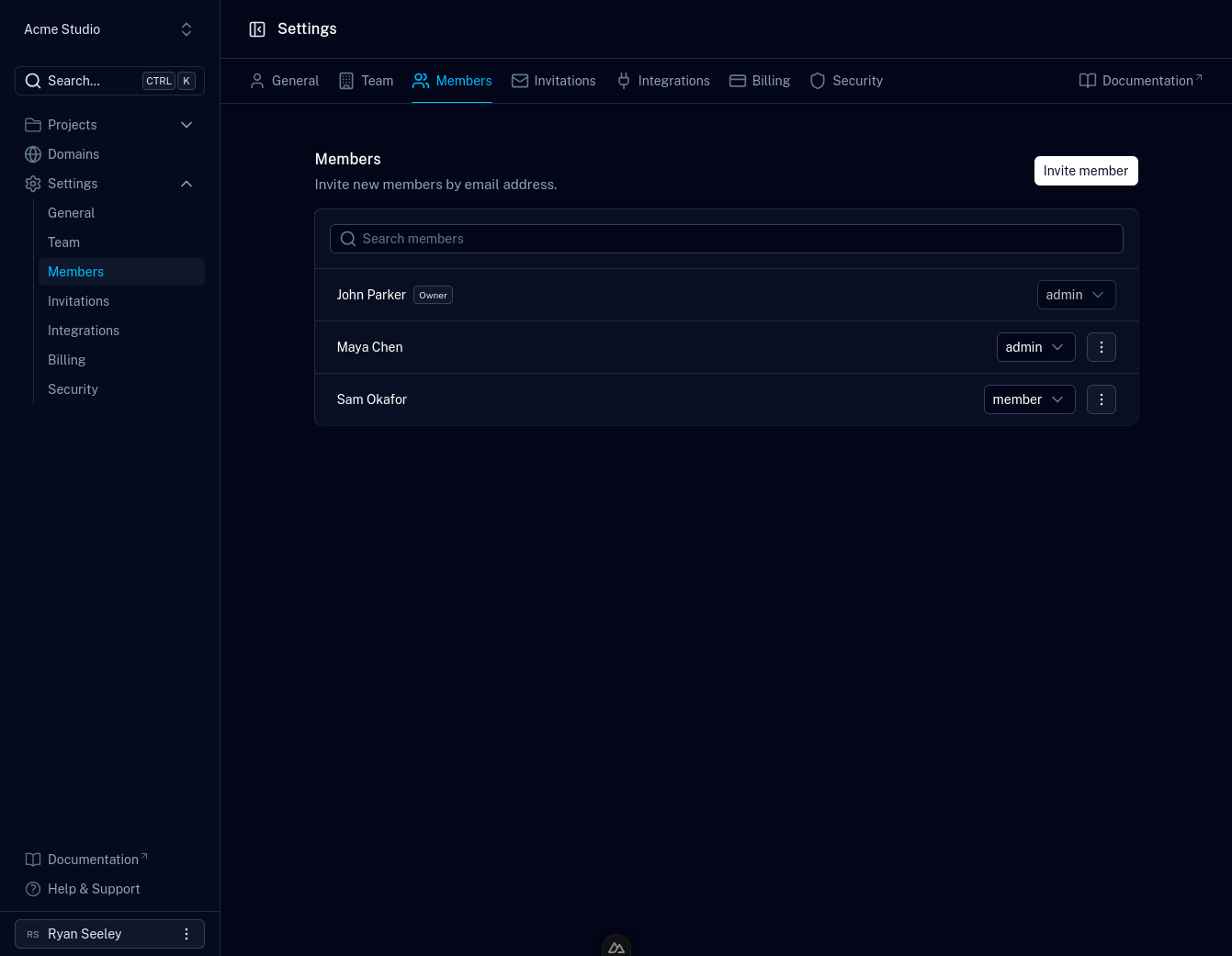
Invite collaborators to a team so they can work on its projects and forms. Members have one of the following roles:
- Owner — the person who owns the team. Manages billing and the plan, and has full control including deleting the team.
- Admin — can manage the team's projects, forms, and members.
- Member — can work within the team's projects and forms.
Manage people from your team settings:
- Members — view current members and change their roles.
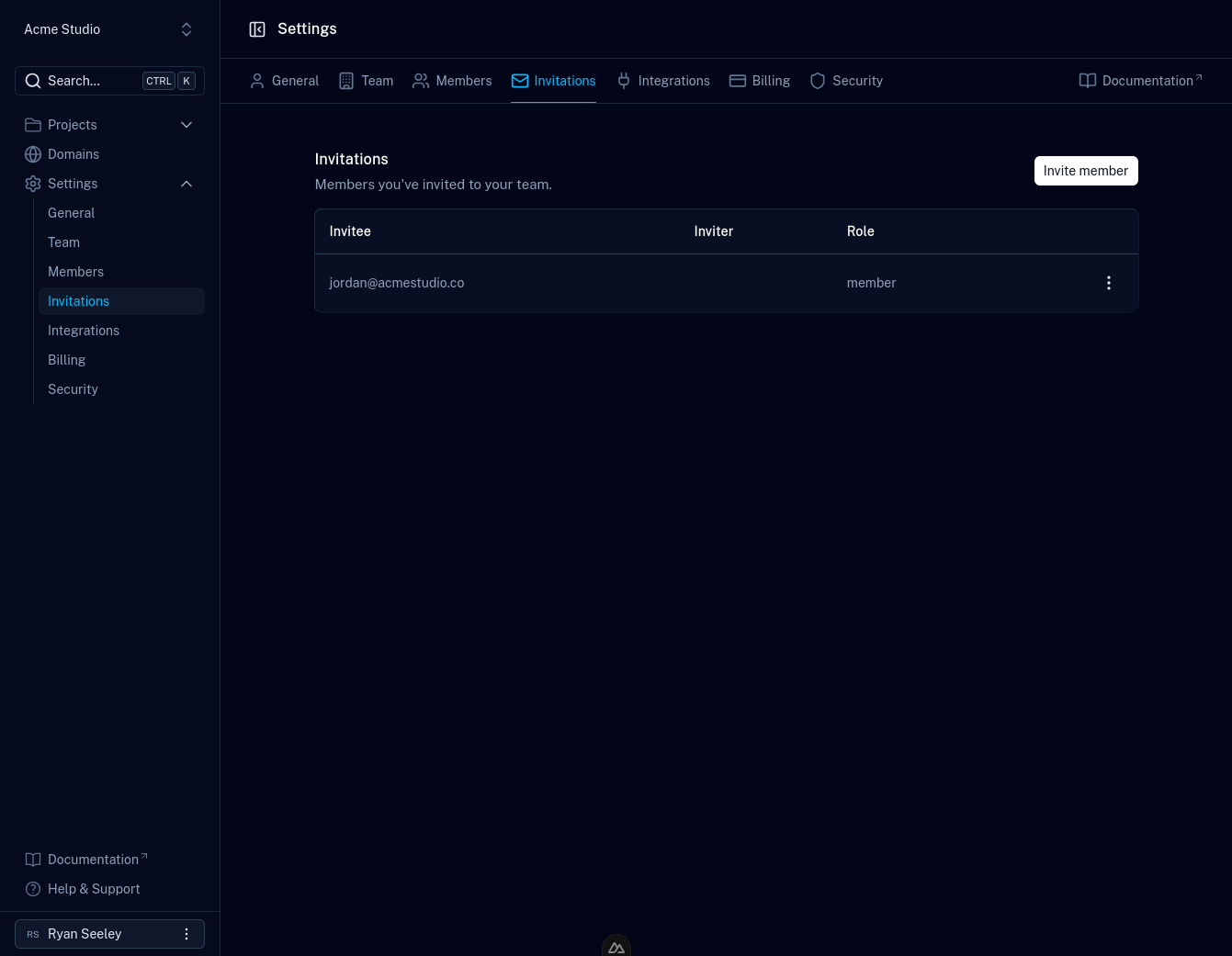
- Invitations — track invites you've sent that haven't been accepted yet.
Inviting people
- Open your team's Members page.
- Click Invite member, enter the person's email address, and choose their role.
- They'll receive an email with a View invitation link. Following it opens the invitation in the dashboard (signing in or creating an account first if needed), where they can accept to join the team or decline.
- Once accepted, they appear in your members list.
Working across multiple teams
You can be a member of several teams and switch between them in the dashboard. Each team has its own projects, forms, plan, and billing. Nothing is shared across teams. Belonging to multiple teams is available on paid plans; see pricing.